Import an image
The editor opens a photo or graphic as the source file. This gives you a visual starting point without changing the original until you choose to export or overwrite it.
Image editing guide
What is an image editor? It is software that lets you adjust, improve, arrange, and export visual files. Picwish belongs to the wider family of image-editing tools designed to simplify common photo tasks.
Start with the basics
An image editor changes visual content through a set of manual controls, automated adjustments, or both. Picwish is a useful reference point for understanding how modern editing workflows bring these options together.
See how browser-based editing fits into a practical photo workflow.
Explore enhancement as a focused form of image editing for clarity and detail.
See how removing a background changes the structure and purpose of a photo.
Consider how image editing works when the starting point is a phone camera.
The editing loop
Most editors follow the same broad pattern: bring in an image, make controlled changes, then save a version that is ready for its intended use.
The editor opens a photo or graphic as the source file. This gives you a visual starting point without changing the original until you choose to export or overwrite it.
You apply changes such as cropping, resizing, color correction, sharpening, retouching, background changes, or other supported operations. Each adjustment serves a specific visual goal.
You compare the result with the source, check that important details remain intact, and save the edited version in a format suited to sharing, publishing, or continued work.
A simple example
An image editor can reshape the appearance and presentation of a picture, but it cannot reliably recover every detail that was never captured in the original file.
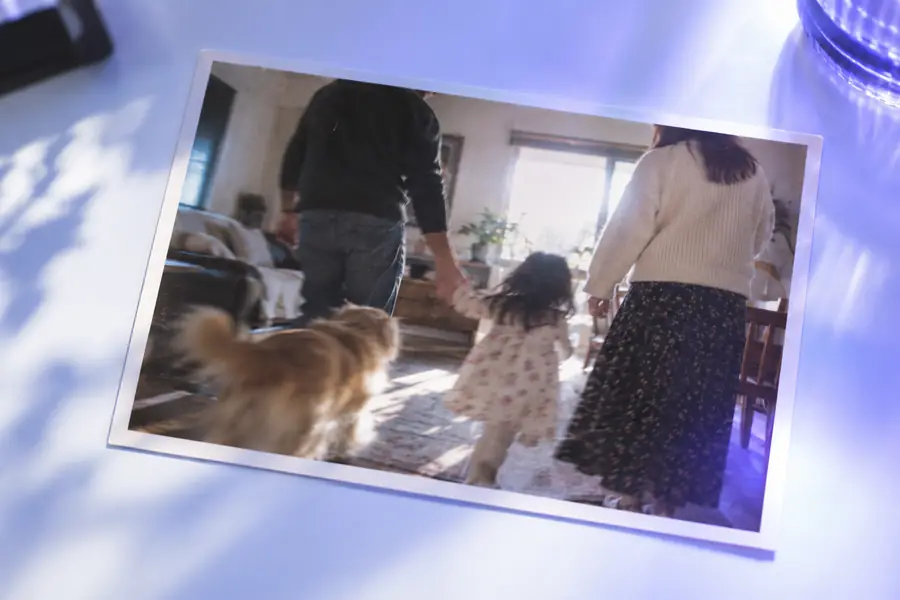
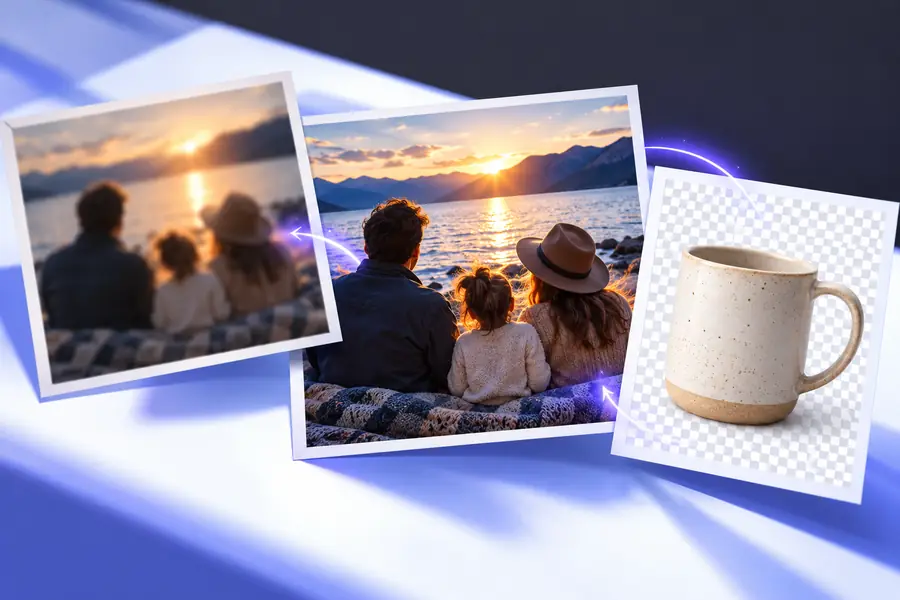
Editing improves the visible result, not the history of the image.
Capability boundaries
The distinction between editing and creating from nothing becomes clearer when common tasks are placed side by side. A basic editor and an AI-assisted editor may approach the same goal differently.
Traditional image editor
Direct control over the frame and dimensions
AI-assisted image editor
Usually available alongside guided adjustments
Traditional image editor
Manual sliders or correction tools
AI-assisted image editor
Manual controls plus automated suggestions
Traditional image editor
Selection, masking, and retouching work
AI-assisted image editor
May identify and fill selected areas automatically
Traditional image editor
Often depends on masks and layers
AI-assisted image editor
May detect the subject and separate it from the background
Traditional image editor
Precise when the user works carefully
AI-assisted image editor
Convenient, but results may need inspection
Traditional image editor
Cannot restore detail that was never recorded
AI-assisted image editor
Cannot guarantee factual recovery of missing detail
Traditional image editor
Careful, deliberate adjustments
AI-assisted image editor
Fast assistance for repetitive or complex selections
People and projects
Different users open an editor for different reasons, but the underlying job is similar: make an image clearer, more useful, or better suited to a particular audience.
A seller needs a clean product image with distracting surroundings reduced or removed.
A focused image makes the item easier to inspect and place in a catalog or listing.
picwish background removerA creator prepares portraits, thumbnails, and social posts from images captured in changing conditions.
Enhancement and cropping help the same source photo work across several visual formats.
picwish photo enhancerA phone photographer wants to make a useful adjustment without moving the whole project to a desktop workflow.
A mobile-oriented editor keeps selection, correction, and export close to the original capture.
picwish for iphoneA team needs consistent images for presentations, articles, campaigns, or internal documents.
A repeatable editing process reduces avoidable differences in framing, clarity, and presentation.
picwish onlinePut the definition to work
Once you know what an image editor does, the next step is to identify the visual problem before changing the file. Start with the smallest adjustment that moves the image toward its intended use, then review the result before sharing it.
Common question
An image editor is software used to change, improve, arrange, or export visual files. It can provide manual controls, automated adjustments, or a combination of both.
Its main purpose is to make an image more suitable for a particular use, such as sharing, publishing, presenting, or selling. The changes may affect framing, color, clarity, background, or other visible elements.
It can commonly crop, resize, adjust color and brightness, improve visible detail, remove distractions, or prepare a photo for a different layout. The exact tools depend on the editor and the file being changed.
No. An editor can improve the information that is present, but it cannot guarantee recovery of detail that was never captured. Strong edits can also introduce artifacts, so the final result should be checked against the original.