Picwish

Image editing choices

Finding a picwish alternative free of upfront cost?

A picwish alternative free to try is useful only if it handles the edit you actually need and lets you keep a usable result. Compare three practical routes, then check export limits, image quality, and privacy terms before committing your photos.

Picwish image editing visual

Capability matrix

Think of these as capability checks rather than promises about any one service. Picwish and its alternatives can differ by feature, device, and export conditions.

Background removal is not detail restoration

A tool can separate a subject from its background yet leave motion blur or a soft face untouched. This route cannot establish that one free editor does both jobs well on your image.

WorkaroundTest a background edge and a blurred detail separately; compare each output at full size.

An on-screen preview is not an export

Some editors show a convincing preview while restricting download size, adding a watermark, or placing certain operations behind account requirements. We cannot confirm current terms for every alternative.

WorkaroundCheck the final download options before investing time in a long edit.

Automatic edits do not replace precise controls

For hair edges, transparent objects, or small product labels, an automatic result may need manual cleanup. This comparison cannot guarantee pixel-level accuracy from Picwish or a competing tool.

WorkaroundInspect difficult edges at 100% zoom and keep the original file for revisions.

Upload policies are not interchangeable

Browser tools may process images differently from an editor installed on your device. This page cannot determine where a particular photo is stored or how long it is retained.

WorkaroundRead the service's current privacy terms; use an on-device workflow for sensitive images when appropriate.

Shared pitfalls

Use the same small test for Picwish and any free alternative. It exposes differences that feature lists and polished examples can hide.

Pick one representative image

Choose a photo with the actual difficulty you face: flyaway hair, a reflective product, low light, or text that must remain legible. Save an untouched copy. A simple sample can make every editor appear capable, so avoid testing only the easiest image.

Apply one comparable edit

Give each route the same goal, such as removing a background without losing fine edges. Do not judge a manual editor after one click against an automatic tool after several retries. Note how much intervention each result requires.

Inspect the usable file

Open the downloaded result, not just its preview. Check dimensions, visible marks, color shifts, and whether the image remains suitable for your intended use. If a route blocks the needed export, record that as a limitation rather than a quality failure.

Our tradeoff

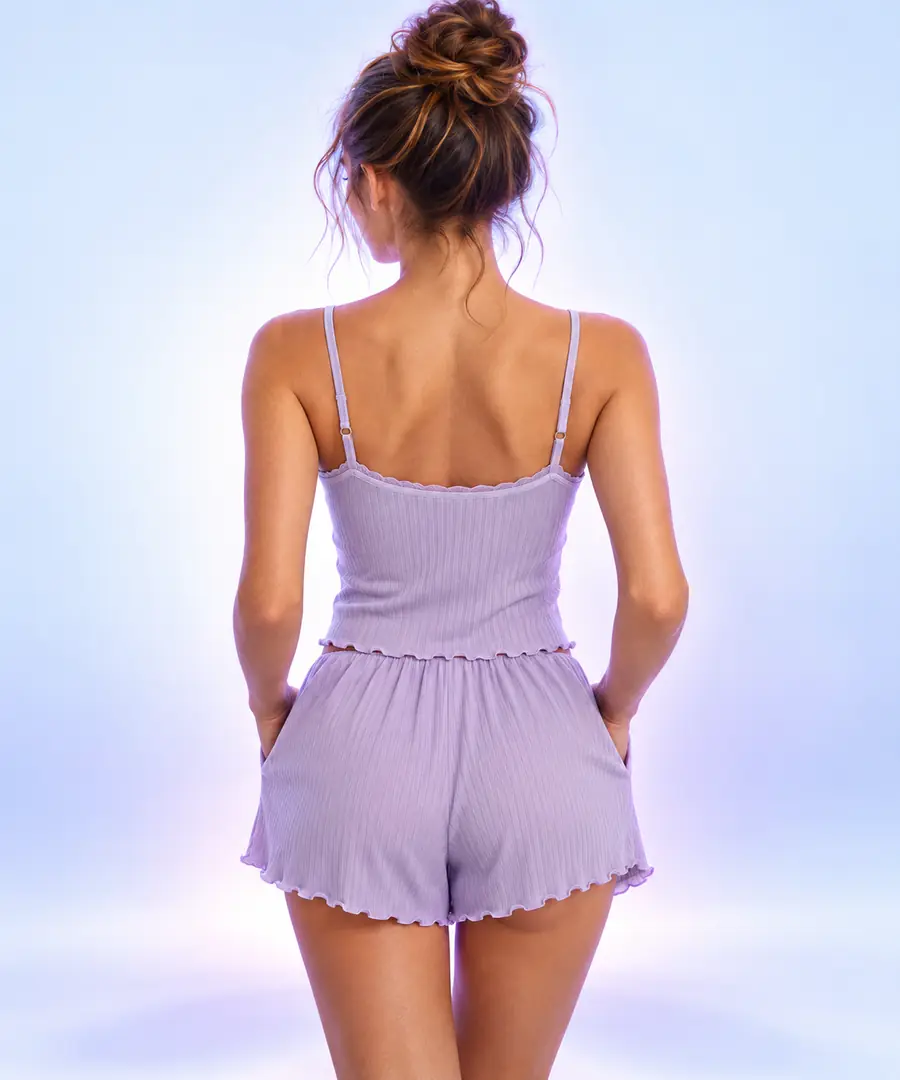
A visual-first route may help you explore a new look; it should not be mistaken for a guaranteed repair of the exact pixels in an existing photograph.

Product concept

Illustrative product image concept
Illustrative transformed product image concept
Transformed concept

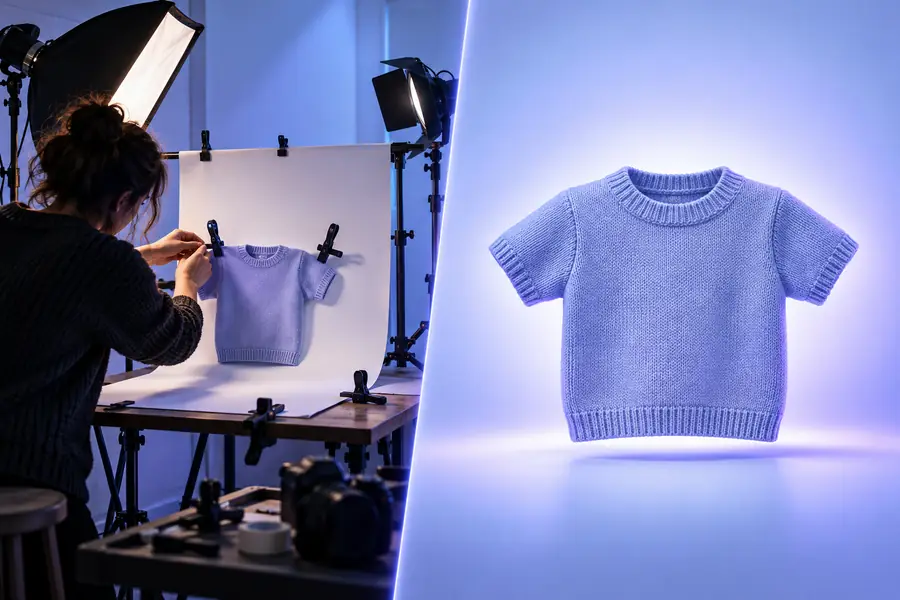
These are illustrative images, not a verified before-and-after from one upload. Compare tools using your own source file when faithful preservation of a product, face, or label matters.

Match the route to the work

The best switch depends on what must stay unchanged. These examples separate everyday corrections from edits where creative reinterpretation is welcome.

Phone photographer

You need to straighten and brighten a travel photo without changing the scene. Begin with your phone's existing editor and compare its saved result with any Picwish output you are considering.

Keep the route that preserves the original details and produces the file size you need.

picwish vs iphone

Marketplace seller

You need a consistent product presentation but cannot let packaging text or product shape drift. Test background cleanup separately from creative scene changes.

Choose manual correction when accuracy wins; consider visual exploration when the setting itself can change.

picwish vs photo editor

Family archivist

You have an old portrait with soft focus and want recognizable features preserved. An attractive new portrait is not necessarily a faithful restoration.

Compare the eyes, hairline, and other identifying details against the original before sharing an enhanced version.

picwish vs photo editor

Social creator

You want to try different visual treatments for a casual post. A phone edit may be enough for color and framing; a visual tool may be more useful when you welcome a changed composition.

Pick the workflow whose output matches your intent, then verify its export terms.

picwish vs iphone

Take the next step

Explore a different visual workflow

If your goal is to explore image ideas rather than reproduce a precise Picwish edit, follow the link to see whether the available visual tools suit your project. Check current capabilities and terms there before uploading an important image.

  • Keep your original image
  • Check the exported result
  • Confirm current terms at the destination

Comparison FAQ

It could be an editor already on your device or an online tool that currently offers access to the operation you need. Free access to an editor does not necessarily mean unrestricted downloads or every feature at no cost. Confirm the current terms on the tool's own site.

For cropping, exposure, and color adjustments, your phone's editor may cover the job without adding another workflow. If you need an automated cutout or a different kind of transformation, compare actual results on the same image. The better choice is the one that preserves what matters and gives you a usable export.

Those are different operations, so do not assume a tool that handles one will handle the other. Try each task on a representative image and inspect fine edges or facial details closely. Check whether the result you need can actually be downloaded under the current terms.

Start with the same original file and define one specific goal. Compare the downloaded images at the same viewing size, looking for missing details, altered colors, and visible marks. Also account for the time spent correcting mistakes.

That depends on the image and the service's current handling of uploads. Review its privacy and retention terms before sending sensitive material. If you cannot establish acceptable terms, consider an on-device editing option instead.

Start editing
Start editing